How to use

Everything you need, from signing up to getting your prize.

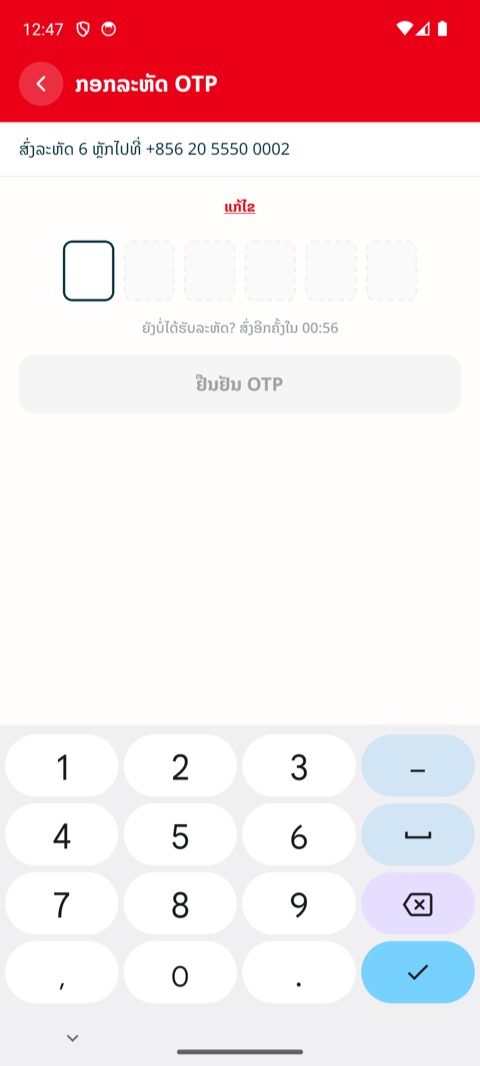
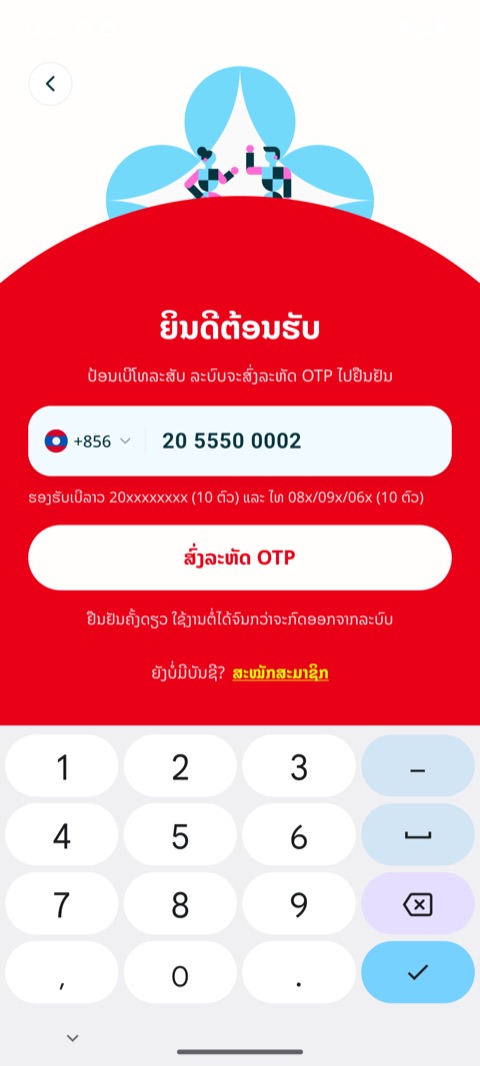
Sign up and log in

Use your phone number and an OTP code. No password needed.
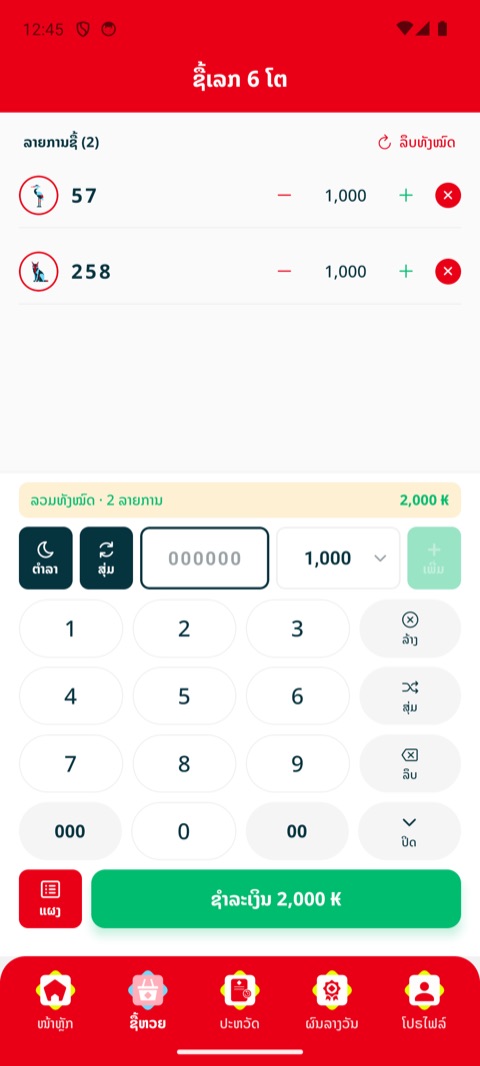
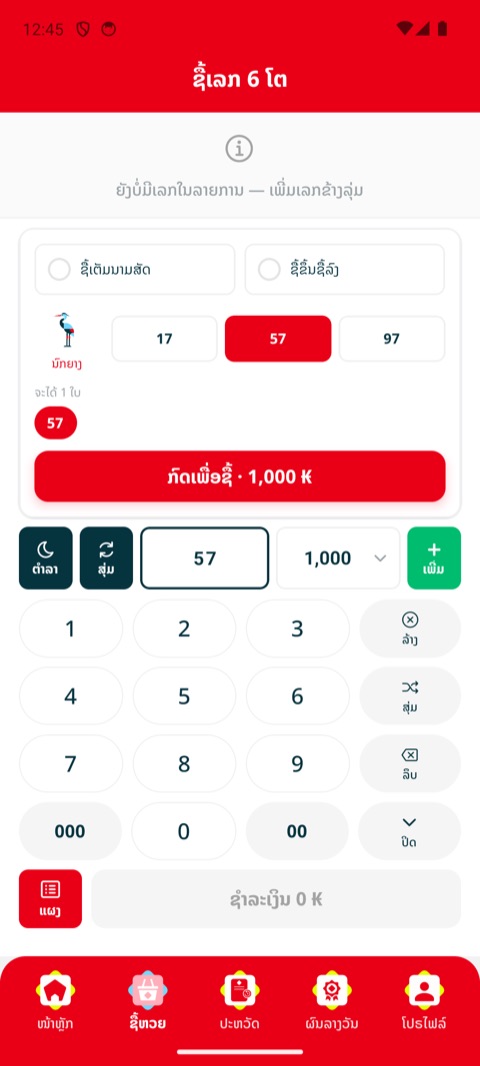
Buy lottery numbers

Type a 1 to 6 digit number, set the amount and add it to your list.
Good to know
  • The "Dream book" button helps you find numbers from your dreams. The "Random" button picks numbers for you.
  • You can buy until the draw closes. The countdown is shown on the home and buy screens.

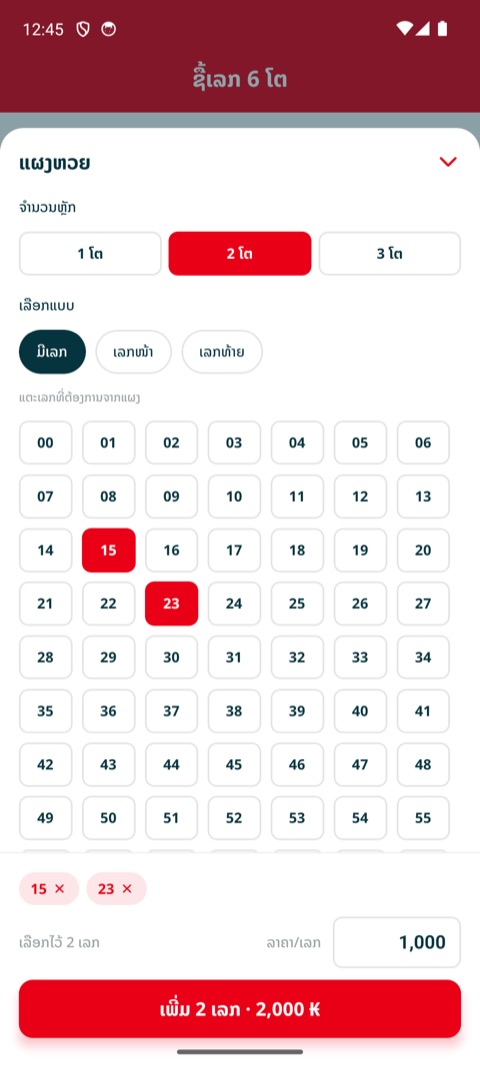
Pick numbers from the board

Tap to select many numbers at once, for 1, 2 and 3 digit numbers.
Good to know
  • For 2 digit numbers you can pick by first or last digit. For example, first digit 6 gives 60 to 69.
  • 4 to 6 digit numbers are not on the board. Type them on the buy screen.

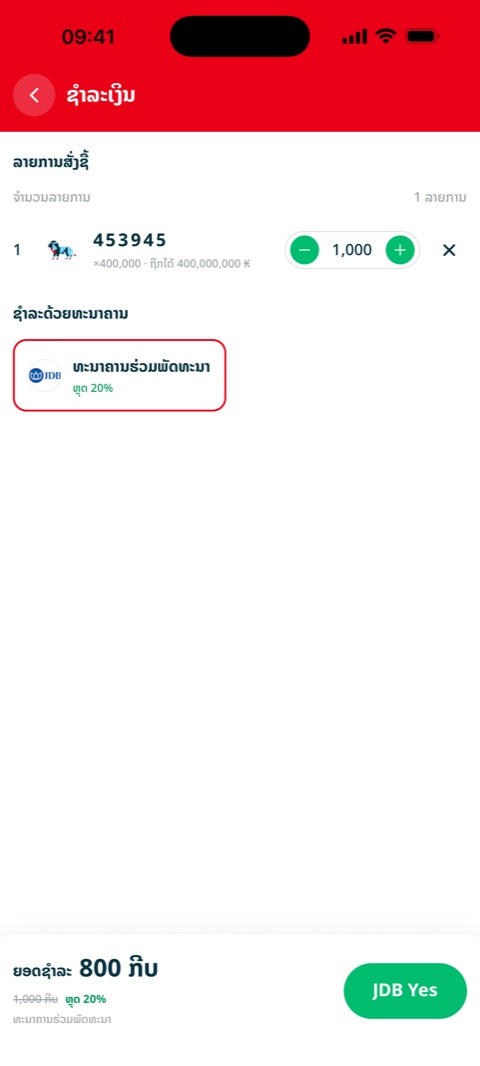
Pay through your bank

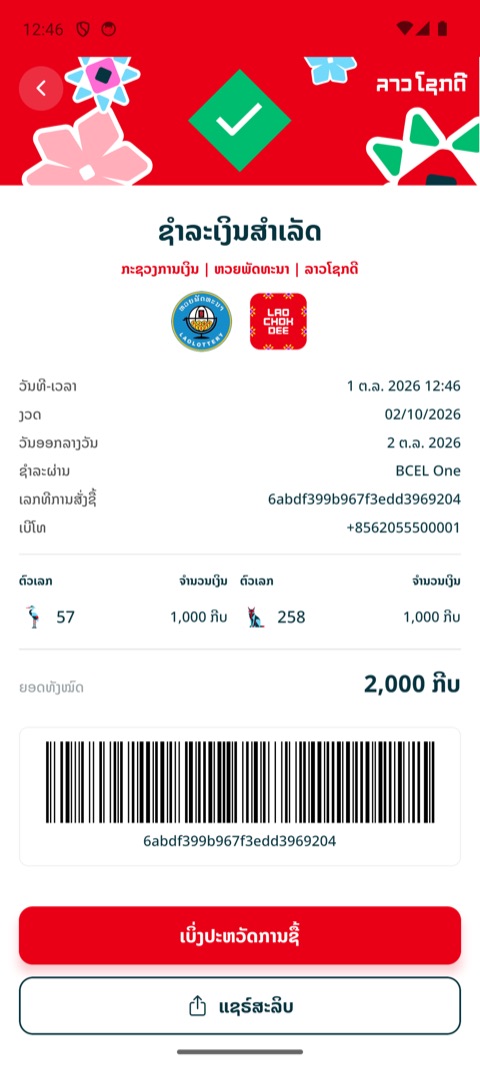
Choose a bank, pay in your banking app and get your bill.
Good to know
  • If a number is sold out, the app tells you before you pay so you can remove it or change the amount.
  • If your connection drops while paying, don't pay again right away. Check "History" first to see if the order is already there.

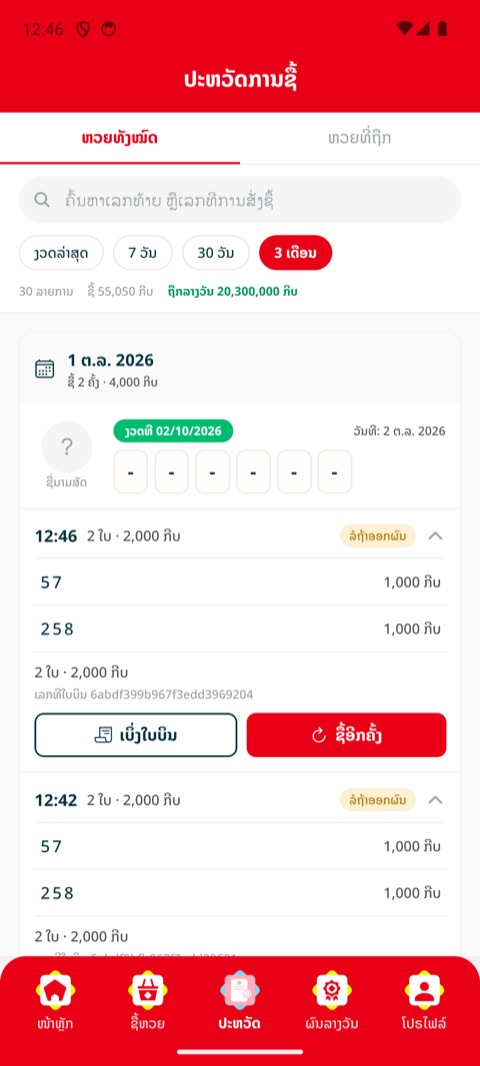
Purchase history and bills

See the numbers you bought, wins and past bills.
Good to know
  • The "Winning" tab shows only winning orders. Use the search box to find a number or order number.

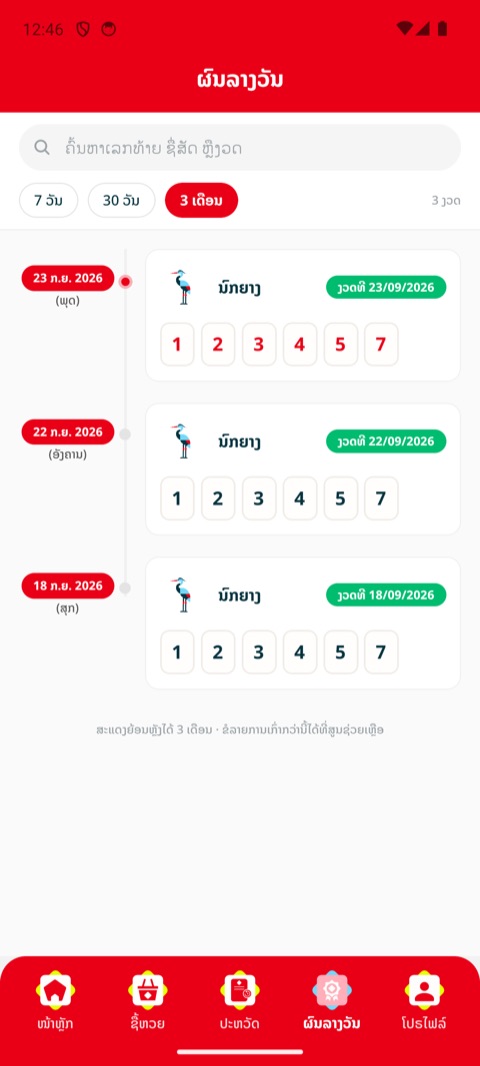
Check results

See the results of past draws.

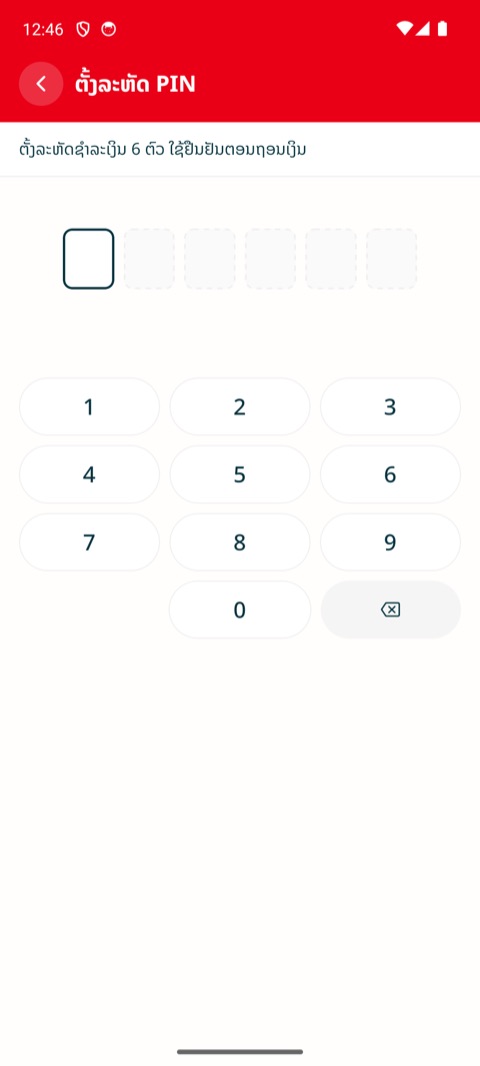
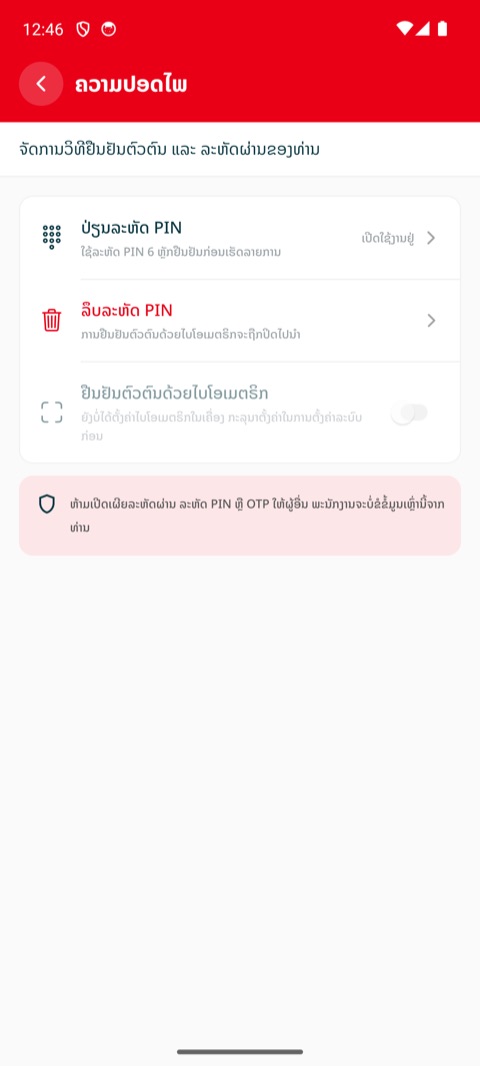
PIN and Face ID

A 6-digit code to confirm it's you when the app asks.
Good to know
  • Never share your PIN or OTP with anyone. Our staff will never ask for them.
  • Buying doesn't need a PIN because you confirm in your banking app.

Refer a friend

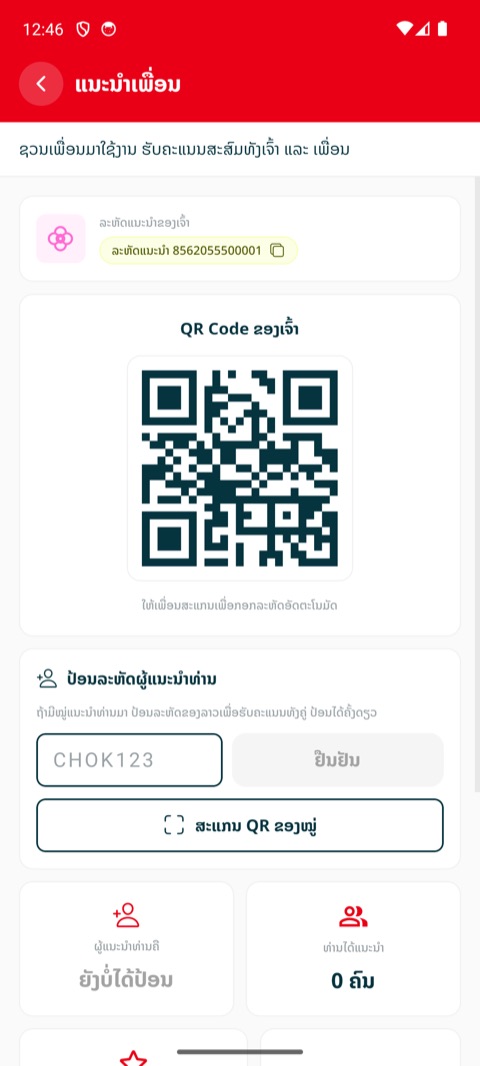
Share your referral code or QR with friends.
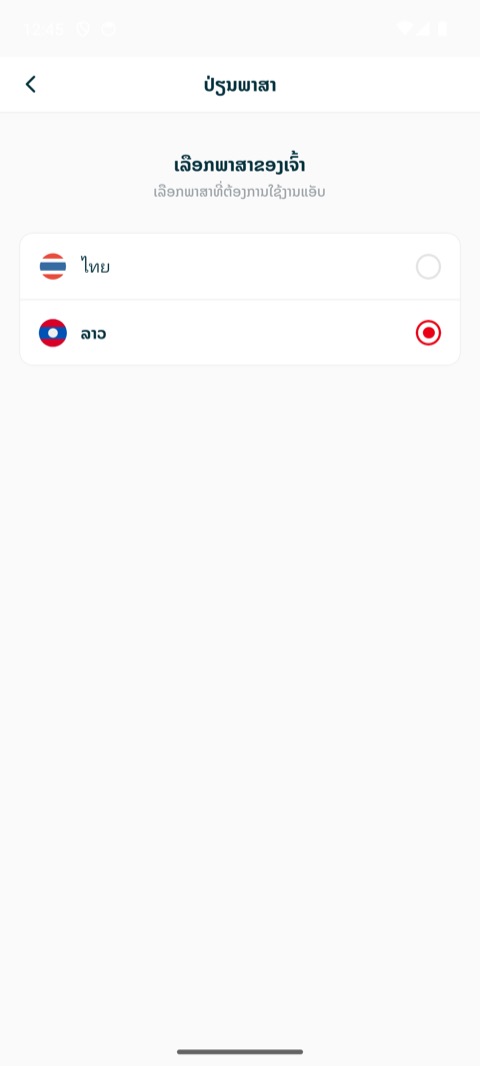
Change language

Use the app in Lao or Thai.

Frequently asked questions